Apply for a donated device
Use a verified provider that serves your area. Some programs use a referral, waitlist or drawing. Ask whether you’ll receive a laptop and whether any fees apply.
Read the application guideGovernment Laptop helps U.S. households compare free government laptop programs, student device loans, and Lifeline service for 5G phones. See how SNAP or Medicaid may help you qualify, and check carrier terms for iPhone or tablet offers.

Tell us what you need and where you’re looking. Get a shortlist of places to check, plus the next step for each.
Your selections stay in this browser. Providers confirm eligibility and stock.
State and device preferences point you to relevant local programs, public services and nonprofit examples. A suggested route is a starting point. The operator can confirm the area, costs, evidence and whether it currently has devices.
Start with what you need the computer to do and how long you need it. Confirm the device type, shipping or pickup terms, any fees and the application deadline.
Use a verified provider that serves your area. Some programs use a referral, waitlist or drawing. Ask whether you’ll receive a laptop and whether any fees apply.
Read the application guideA loan can help if you need a device for class or a job search while you wait. Ask about checkout length, renewal, damage fees and return instructions.
Find local device programsSome refurbishers accept proof of income or participation in SNAP or Medicaid. Check the shipped price, battery condition, updates and warranty before buying.
Check common eligibilityConfirm the service area, whether applications are open and how the provider selects applicants. A dated benefit letter, school proof or income document may help if it appears on the current eligibility list. Use the provider’s verified channel when asked to send it.
Open the application checklistAsk whether the offer covers a laptop, another computer or a loan. Check pickup or shipping, charger and warranty, and the return date if you borrow it. For a deadline this week, ask your school or library about a temporary device first.
Review common eligibility rulesFind a donated laptop to keep, borrow a school or library device, or compare discounted refurbished options.
Keep the device
Households or students who need a computer for ongoing use.
The provider confirms any delivery or accessory cost.
Explore donation applicationsBorrow a device
Students and households who need access now or for a fixed period.
Ask about loan fees, deposits and lost or damaged device charges.
Find a local loanBuy and keep the device
Applicants who can budget for a device and want a clearer set of specifications.
Compare the device price, tax, shipping and included equipment.
Check provider requirementsAsk about delivery, deposits, chargers, setup, software and a potential repair. For a loan, write down the return date and damage policy. For a discounted purchase, compare the full price and return window with the cost of a temporary loan.
Compare five example devices, from a compact Chromebook to full-size business laptops. Stock is unconfirmed. Check the model and condition with the provider.
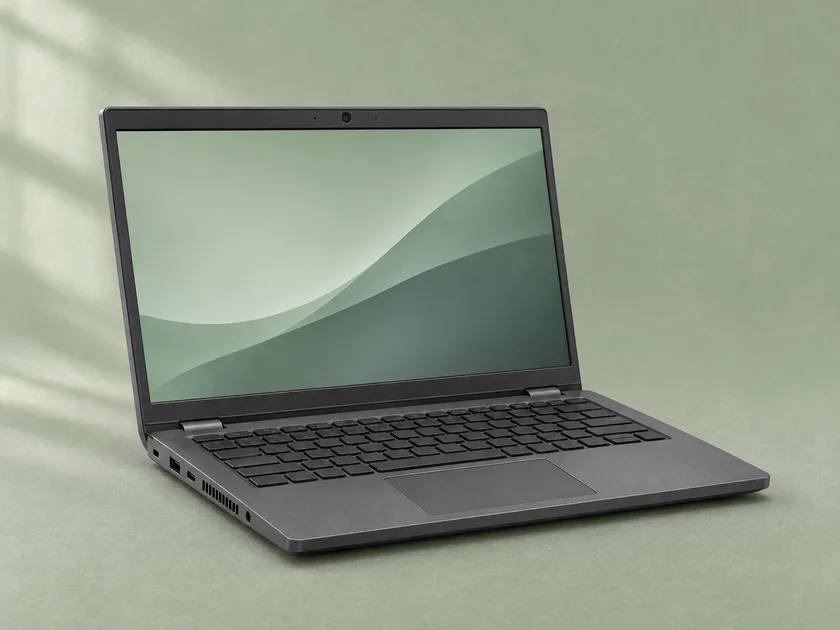
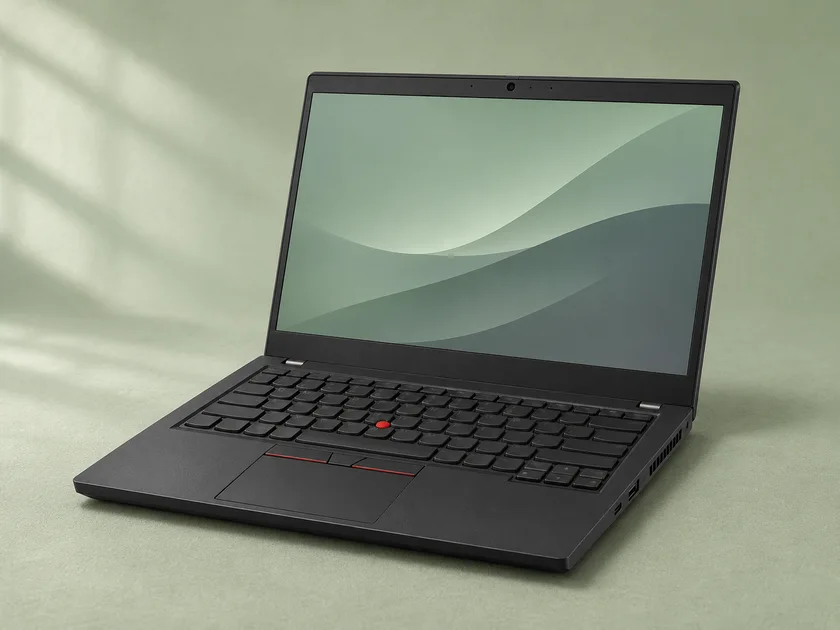
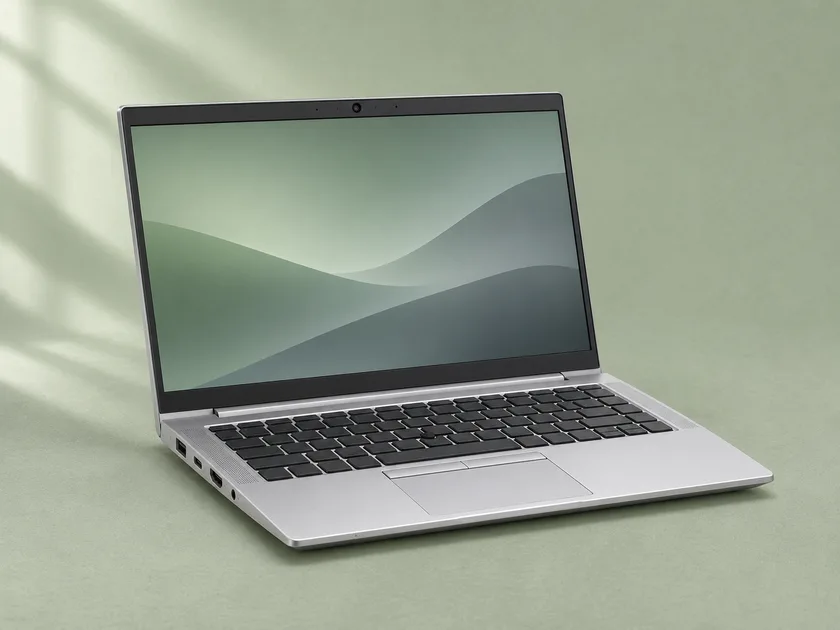
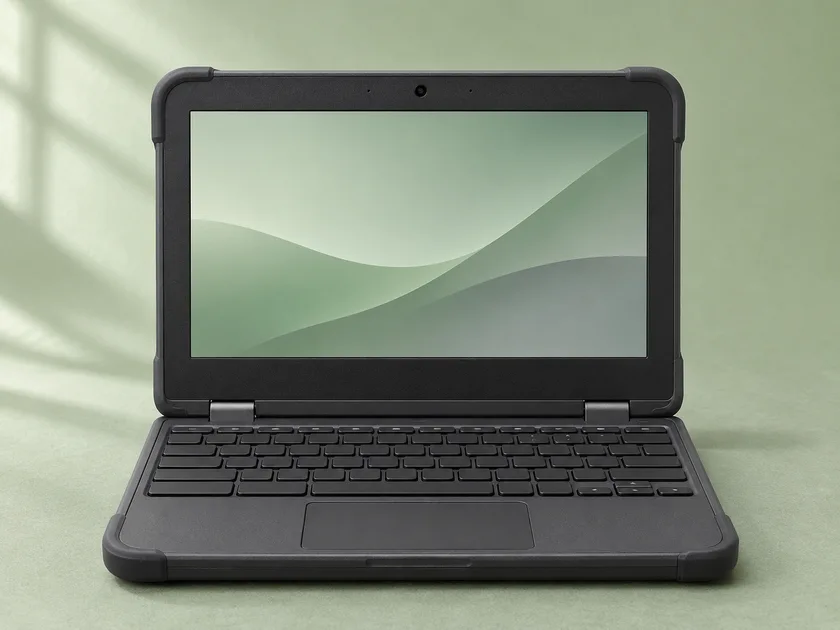
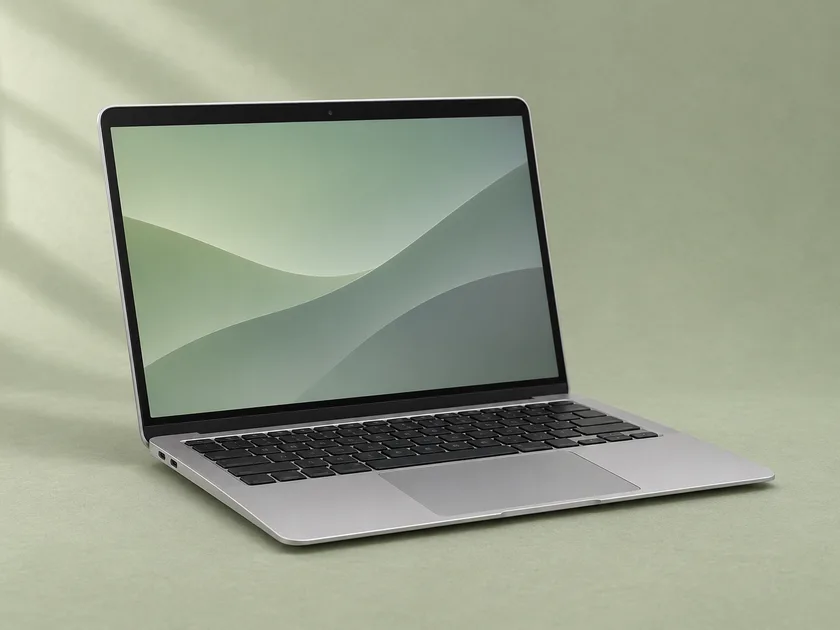
A Chromebook can suit web-based schoolwork. Check Windows or macOS if you use installed course, exam or job software. Ask the provider about the exact configuration, operating-system support, battery condition and return terms.
Explore leads for all 50 states and Washington, D.C. Local operators confirm who they serve, whether intake is open, and how to pick up or receive a device.
Browse every stateOffer directory Statewide ZIP lookup
Library lending Participating Connecticut libraries
Student device program University of Michigan, Ann Arbor
Local referrals City of Philadelphia
Check the branch, campus, county or ZIP the provider serves. For states without a specific lead, use the nationwide lookup or ask a school or library about loans and on-site access. Providers confirm intake, equipment, price and pickup terms.
Choose a guide for current program rules, documents to prepare and direct links to providers.
Find federal and local programs, understand what each covers, and learn where to apply.
Compare a state library loan, nonprofit donation and institutional equipment transfer. Check whether any listed program applies directly to households.
See how SNAP participation can help with eligibility. Compare donations, loans and refurbished options.
SNAP funds pay for eligible food. Recent SNAP proof may count with a provider. Check which document it accepts and when the letter must be dated.
Find K–12 Chromebook loans, college laptop programs, financial aid and nonprofit support.
Ask the school about checkout, course software and whether the device can go home. For college, check campus lending and the financial aid office.
Compare tablet lending, nonprofit inventory and provider terms for SNAP households.
Confirm Wi-Fi or cellular use, whether service is required and whether you must return the device. Prepare benefit proof only after checking eligibility.
Check Apple device availability, school loans, model details and service costs.
Ask for the exact iPad generation, storage, software support and whether a used unit can activate on your own account.
Understand Lifeline service and confirm an advertised iPhone’s model, price and carrier terms.
Lifeline can lower service costs. The carrier determines which phone is offered, the hardware price and whether you can keep your existing number.
Read both device prices and monthly service terms before enrolling in a bundle.
Get separate prices for both devices and any extra data line. Check the household benefit limit, equipment ownership and cancellation terms.
Compare six example programs by ownership, location and application method. Counts describe the examples below.
Programs by cost and ownership
Programs by intake organization
The charts count only the six programs in this table. Each row states which organization handles intake and whether the device is a donation, loan or discounted purchase. Compare coverage and requirements before expecting the program to serve your address.
| Program | Device terms | Who it serves | Next step |
|---|---|---|---|
| Compudopt | Free to keep | Participating U.S. locations | Register for a local drawing or waitlist |
| Computers 4 People | Free to keep | Check current program coverage | Check its application and referral requirements |
| The On It Foundation | Free to keep | Eligible U.S. public school students | Check K–12 and school meal requirements |
| Connecticut Laptop ConneCT | Free to borrow | Participating Connecticut libraries | Ask your local library about availability |
| University of Michigan | Free to keep | Eligible incoming Ann Arbor students | Check the financial aid notification process |
| PCs for People | Discounted purchase | Online and at participating locations | Verify your eligibility and compare prices |
Program pages are the source for each listing. Check current stock and eligibility with the operator.

K–12 families can ask the technology office about take-home devices, school account restrictions and repair rules. College and online students can check library loans, emergency technology funding and required software with financial aid or IT.
Confirm whether you can use the laptop off campus, how long you can keep it, and what operating system or webcam your courses require. Ask about a lab or short-term loan if you need to finish work before the next distribution.
Explore student laptop optionsUse our free device finder, cost comparisons and application guides. The provider supplying your device confirms delivery, setup, repair and warranty terms.
Check the coverage area, eligibility and provider route before you apply.
Know which benefit or income evidence may help and what fees to confirm.
Use a printable checklist to verify costs, intake and any documents to gather.
Compare operating systems and specifications against your school or work needs.
Ask the organization providing the device whether it includes a charger and setup, who handles repairs, and what it will replace or accept for return. The website helps you compare routes and prepare questions. The official operator handles applications and equipment.
Most current offers start with Lifeline, a discount on qualifying phone or internet service. A carrier decides whether to include a device, sell one or let you bring an unlocked phone.
Compare the service and equipment separately. Start with your household’s eligibility, check your ZIP and ask for the total before you enroll.
Read the free government phone guide
Active service discount
Eligible households can apply for support toward qualifying phone, internet or bundled service.
Next step Search your ZIP and ask the company for its separate equipment price.
Address-based support
Qualifying households on eligible Tribal lands may receive a larger service discount. Some also qualify for Link Up.
Next step Check the address and the provider’s eligibility and connection rules.
Eligibility pathways
Current SNAP or Medicaid participation can help verify Lifeline eligibility. The benefits have their own uses and rules.
Next step Use the official verification process to find out what evidence is accepted.
Ended June 2024
ACP previously provided a broadband benefit and a separate connected-device discount. That old credit has ended.
Next step Compare current service and device prices without the former ACP credit.
USAC lists federal support of up to $9.25 a month for qualifying service and up to $34.25 on eligible Tribal lands. A company’s price and equipment terms determine what you pay. Compare Lifeline providers for your address before choosing a plan.
Participating Lifeline companies need eligible telecommunications carrier designation from a state regulator or, in some cases, the FCC. Verify carriers in the official USAC directory and check the offer for your address.
USAC can show phone and internet providers near you. If it returns a state-level list, ask which companies can serve your exact address.
State and ZIP lookup
Check the state-specific offer first. Its published options may include a compatible phone you bring or a provider device.
Ask which device option is available for your ZIP, what it costs, and how much hotspot data the plan includes.
Local enrollment check
Enter a ZIP to check service terms. Confirm whether an existing device can use the SIM or eSIM offered in your location.
Ask how number transfer works and get the current monthly data and any equipment price in writing.
State plan details
Use the carrier’s state information to identify the relevant service offer before completing an application.
Confirm coverage at your address and ask about activation, shipping and device choices.
Coverage and device terms
Check the carrier’s service area and current Lifeline terms. Ask about compatibility if you already have a phone.
Verify the exact model, total costs and any limits on data, hotspot use or replacement.
Write down the recurring price, high-speed data and hotspot terms, exact device or SIM, activation and delivery fees, and how to keep your number. Look at both the carrier’s bring-your-own-phone option and any equipment offer. Confirm current terms with the company before submitting proof.
Pick the category that matches your need. Compare federal service discounts, benefit documentation, school and library programs, and help with equipment for approved training. Check the current rules on each program’s page.
Some benefits go to households. Others help eligible schools, libraries or training participants. Start with the operator and applicant type. Before relying on a public program for a laptop, check whether it provides a device, lowers a service price or helps establish eligibility.
These stories come from independent laptop assistance programs that reported on their recipients. Government Laptop has yet to publish verified reviews from its own applicants.
Computers 4 People · Donation recipient
A Staten Island recipient said the donated laptop helped them register for school, take classes online and find a job.
Computers 4 People · Scholarship recipient
A Hoboken High School graduate reported that the scholarship laptop let them get back to making art and use tools from their computer arts class.
Computers 4 People · Scholarship recipient
A former scholarship recipient said the laptop worked smoothly and helped them finish a substantial portion of their summer college assignments.
Compudopt · Giveaway recipient
A recent computer giveaway recipient told Compudopt they were grateful for the opportunity, recognizing that it is something many people go without.
Ask the receiving refurbisher which models, chargers and batteries it accepts. Back up your files, remove account locks and follow its data-erasure process. For a business or school donation, confirm inventory records, transport and receipts before handing over equipment.
See how to donate
Get quick answers about applications, public benefits, student devices and donating a laptop.
Check a nonprofit donation program if you need a device to keep, or a school or library if you need to borrow one. Use the local program finder and verify that the operator currently serves your area.
There is no general federal laptop application for households. See the government laptop guide for selected state, school, library and federal institutional routes.
SNAP funds cannot pay for electronics. Current SNAP participation can help document eligibility with certain programs, subject to device availability and their rules. Read the EBT laptop guide.
Check a school’s technology office or a college’s library and financial aid office. The student laptop guide covers K–12, college and online learning.
Some independent providers accept SNAP evidence. Check official terms, required payments and whether the model is specified. Compare the tablet guide and iPad guide.
Lifeline can reduce phone or internet service costs. A specific iPhone model depends on the carrier’s separate offer and stock. See the iPhone guide.
A carrier may advertise a bundle under separate terms. Confirm both device prices and monthly service. See the phone and tablet combo guide.
Use the Lifeline provider guide and USAC’s ZIP lookup. Confirm coverage and the written service and device terms at your address.
The Affordable Connectivity Program ended June 1, 2024. Check current local device offers and the separate Lifeline service benefit.
The finder suggests routes to check. The provider decides who qualifies and whether a device is available.
Each provider sets its model selection policy. Use the laptop model guide to compare hardware and ask the operator what is available.
A donated or purchased device may be yours to keep. School and library loans usually have a return date. Compare the laptop plans.
Start with the state directory and confirm current registration, local coverage and stock directly with the provider.
Back up your files and verify the receiving organization’s device, battery, wiping and delivery rules. Start with the donation guide.
Dates, service areas and stock can change. Confirm the offer with the organization that administers it. We link to official program and provider pages so you can check the details before applying. About our guides.