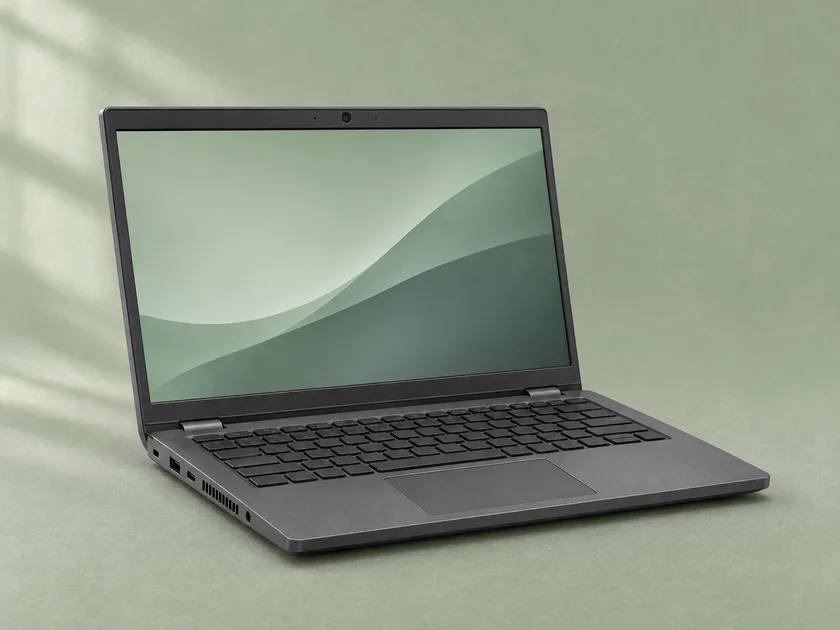
What it suits
Consider this model for word processing, video calls, online forms and spreadsheets. Ask for the display resolution and memory before relying on a listing photo.
Before accepting a device
- Ask for the exact processor, installed RAM and storage. Optional wireless and display features vary by unit.
- Test the webcam, microphone, USB ports and HDMI port if you plan to take classes or connect to a monitor.
- Check that the included power adapter charges the device and that the battery lasts long enough for your use.
Use the laptop plan comparison to ask about the total cost, whether the device is yours to keep, and who can help after delivery.
Dell Latitude 5430 configurations and software
Get the service tag or written configuration from the provider if available. Dell offered multiple displays, memory and storage options. Ask what is installed now and how an eventual storage or memory change would be handled. For work or school, check Windows version, current updates and compatibility with the software you use.
Try an ordinary video call and a common workbook if possible. Check whether the keyboard, webcam, Wi-Fi and external monitor all work before accepting the laptop.
Check a refurbished Latitude before taking it home
Ask about battery testing, keyboard wear, hinge movement and power adapter wattage. Verify that the computer can be set up without a former organization’s management prompt. If a dock is important, confirm the connector and the specific dock’s support. Ask for written return or replacement terms.
Compare it with the ThinkPad and EliteBook
Compare the actual configurations of the ThinkPad T14 Gen 2 and EliteBook 840 G8. Display, battery, operating-system support and warranty can matter more than the model family alone.
Model FAQs
Does every Latitude 5430 have the same screen?
Dell lists multiple displays. Ask for the resolution and whether the specific unit has touch support.
Can I get this model through Government Laptop?
Stock is unconfirmed. Use the program directory to ask providers what devices they have.
What Windows version will I receive?
Ask the provider to confirm the installed system, activation and update support for the exact device.