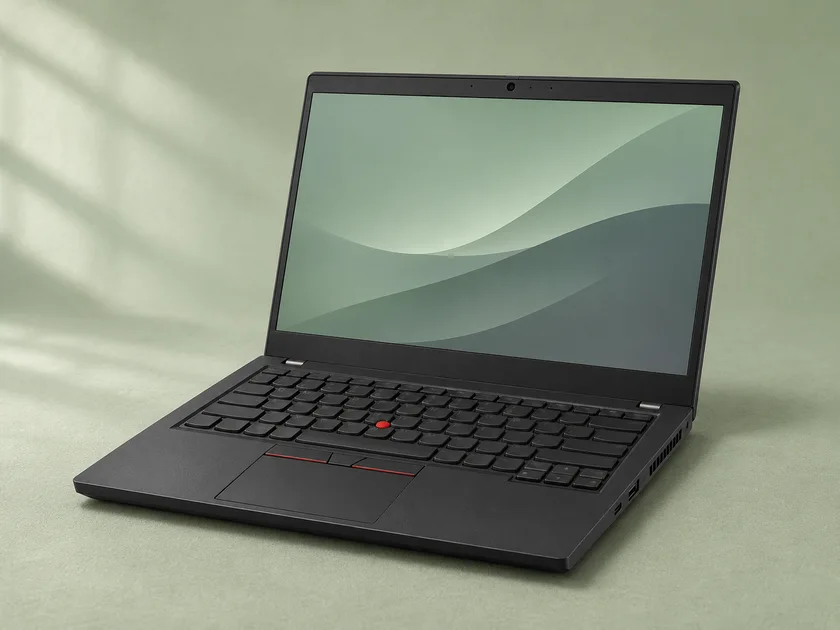
What it suits
The Intel version is a candidate if you type often or need a dependable portable work setup. Test your keyboard layout and ask about any docking hardware you plan to use.
Before accepting a device
- Confirm the listing is the Intel version. Lenovo also made an AMD version with different hardware and ports.
- Ask for installed memory, screen resolution, webcam and the exact wireless configuration.
- If you will use a dock, confirm port and display compatibility. Verify that any existing work or school management has been removed.
Use the laptop plan comparison to ask about the total cost, whether the device is yours to keep, and who can help after delivery.
Identify the Intel or AMD ThinkPad T14 Gen 2
Ask for the specific configuration number and check it against Lenovo’s specifications. The Intel and AMD versions can differ in ports and other details. Ask how much memory and storage the unit has, the screen resolution and brightness, and which power adapter it includes.
If you work on a dock, check the ports and supported display setup with your specific dock. Try your usual typing, pointer controls and any accessible input device before committing.
Check condition, charging and network management
Ask how the provider tests the charger, USB-C ports, sleep and wake, battery condition and webcam. Confirm that the unit has been removed from any previous work or school management. Check the installed system, update support and any return terms.
Compare other 14-inch Windows laptops
Review the Dell Latitude 5430 and HP EliteBook 840 G8 for similar everyday tasks. Compare the devices actually offered by a provider, including display, keyboard layout and repair support.
Model FAQs
Can I use USB-C charging?
Check the Intel model specification and the wattage of the included USB-C adapter.
Do all Gen 2 units have the same hardware?
The Intel and AMD versions differ, and memory and display options vary within each family.
Will it come with a dock?
Confirm the included accessories with the organization supplying the device.