Device catalog
Compare Laptop Models
Compare model families you may encounter in refurbished programs. The specifications come from manufacturers. Confirm the condition, installed software and stock with the organization supplying the unit.
Five models to compare
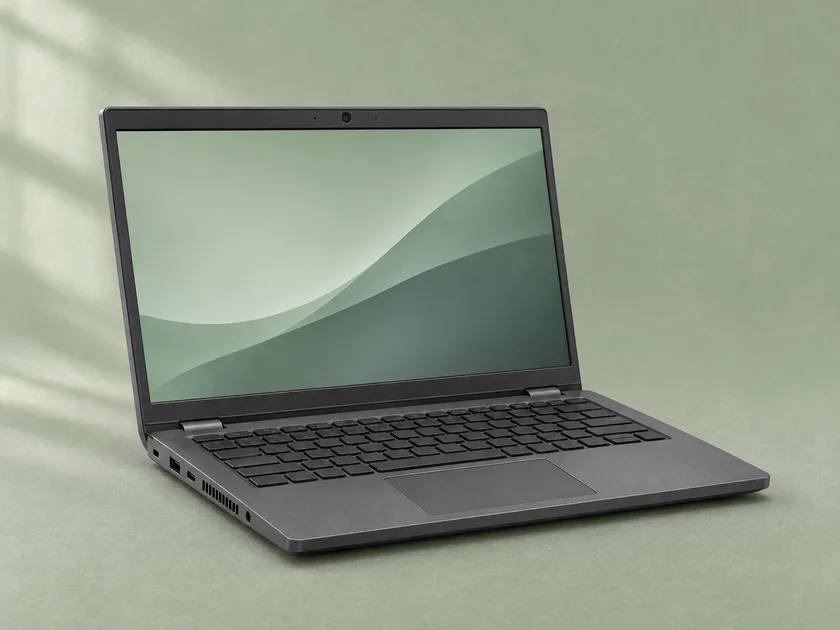
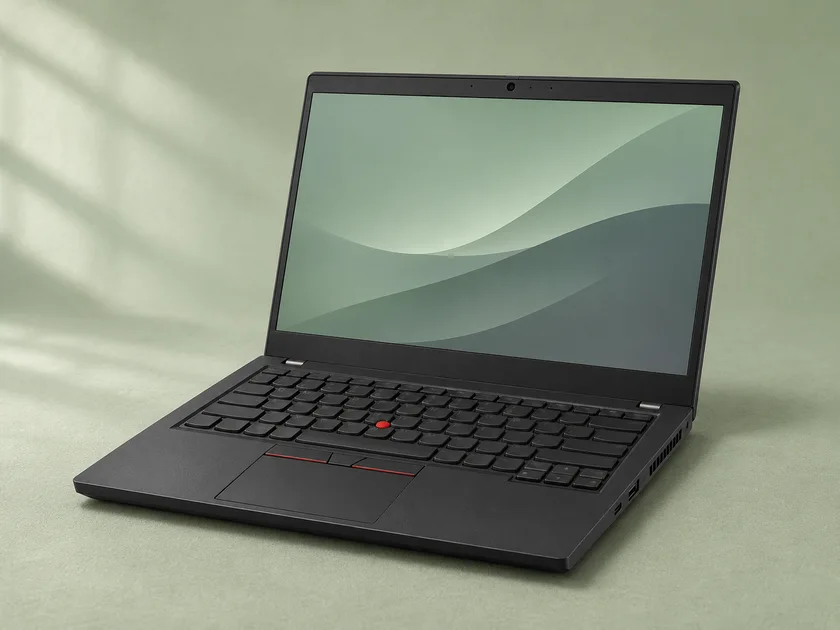
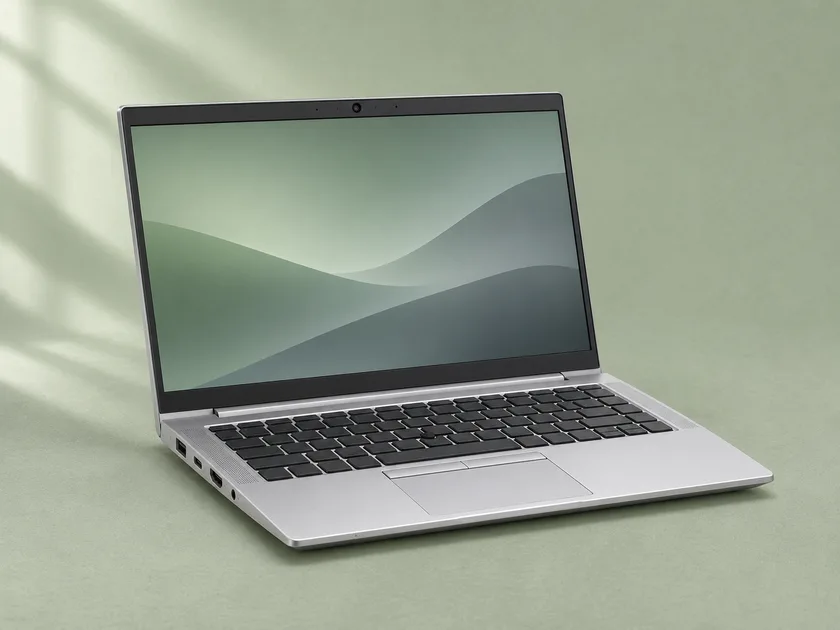
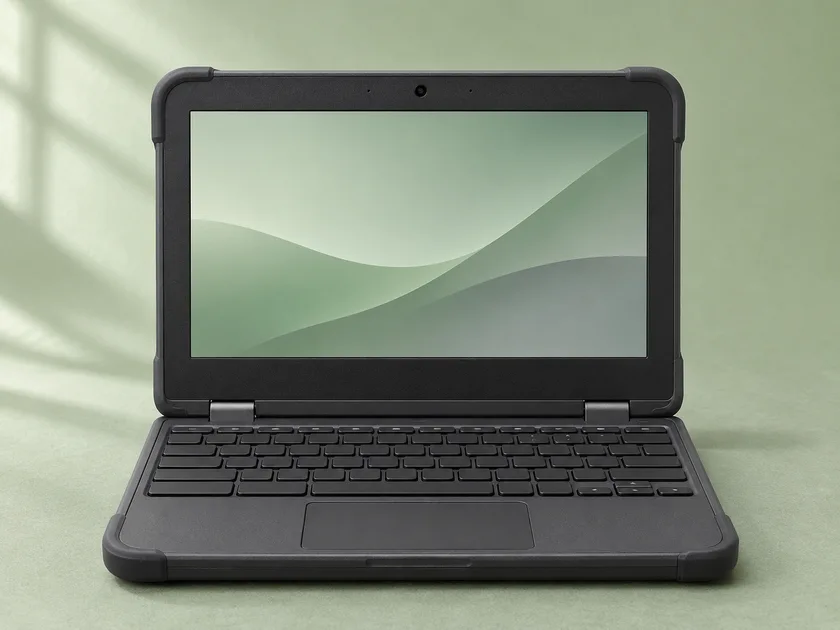
Images are illustrative. The actual unit, configuration and accessories can vary.
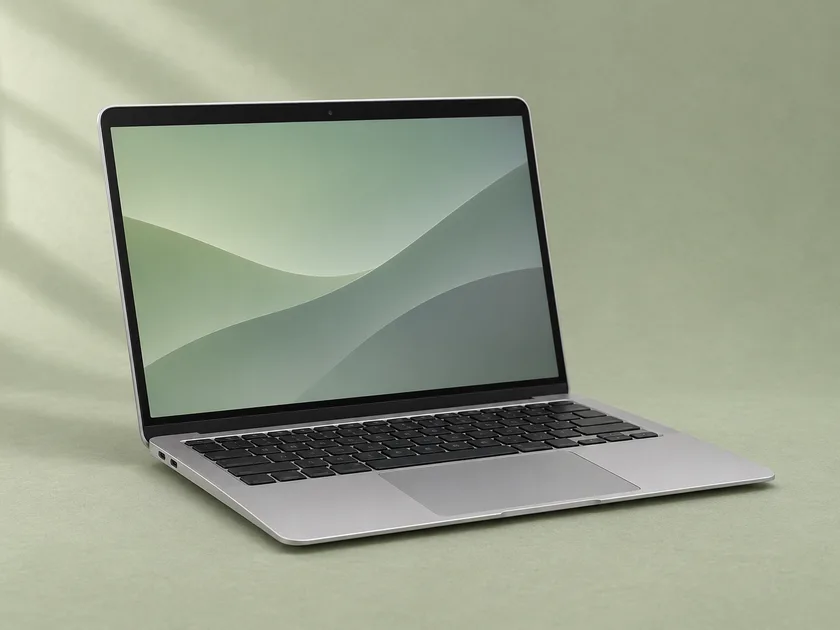
Quick specification comparison
| Model | Platform | Display | Processor family | Memory |
|---|---|---|---|---|
| Dell Latitude 5430 | Windows | 14-inch | 12th-generation Intel Core options | DDR4 SO-DIMM |
| Lenovo ThinkPad T14 Gen 2 | Windows | 14-inch | 11th-generation Intel Core options | DDR4, configuration-dependent |
| HP EliteBook 840 G8 | Windows | 14-inch | 11th-generation Intel Core options | DDR4, configuration-dependent |
| Lenovo 300e Chromebook Gen 3 | ChromeOS | 11.6-inch touchscreen | AMD 3015Ce platform | 4 GB in published configurations |
| Apple MacBook Air M1 | macOS | 13.3-inch Retina | Apple M1 | 8 GB or 16 GB unified memory |
Choose a laptop for your needs
Start with the software
Check school, exam or job requirements before choosing a platform. A Chromebook can fit browser-based work. Some apps need Windows or macOS, and different versions can support different devices.
Compare the actual specification
Ask the provider what processor, memory, storage and display are present. Check whether a charger, accessibility accessory or warranty is included. The comparisons use manufacturer reference information and actual refurbished configurations can differ.
Check security and condition
Confirm the device’s update support and that it can be activated with your account. Inspect the battery, keyboard, webcam and ports. Ask how to return or replace it if it fails.
Compare screen and connection needs
If you use a monitor, projector or accessible input device, ask about the available ports and whether an adapter is required. Try the screen size and resolution for the work you do. Ask whether the supplier can provide the appropriate charger and whether you must purchase accessories.
Choose memory and storage for your work
Use the app or school’s recommendations and check what is installed in the actual device. Video calls, a few tabs and a word processor have different requirements from design or engineering software. Check if the installed configuration can be upgraded and which work that entails.
Match model choice to the plan
Models are examples. A donation or loan may depend on stock. Ask a provider which laptop it can supply and use the laptop plans guide to compare ownership, fees and support.
Laptop model FAQs
Are these models in stock?
Model availability is unconfirmed. Ask the organization distributing devices for its current options.
Which operating system do I need?
Check with your school or employer about coursework or required software. A Chromebook can work well for browser tasks. Windows and macOS may be required for some installed apps.
What should I check on a refurbished laptop?
Ask about the installed operating system, battery condition, charger, account locks and return options.
Can I request a model from this catalog?
Use the state directory or the application guide to contact an actual provider about stock.