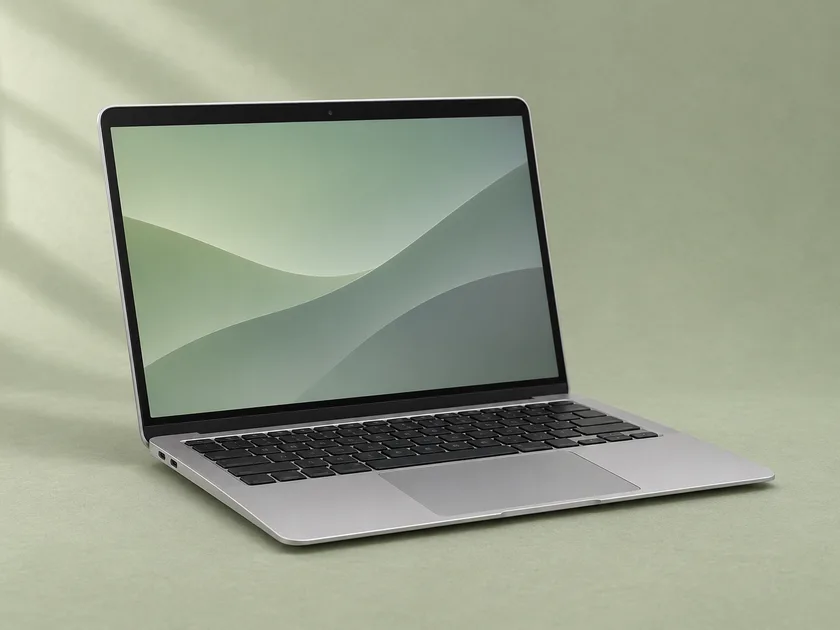
What it suits
Consider this model when applications or accessibility tools specifically require macOS. Ask your school or employer if its software supports Apple silicon and your installed macOS version.
Before accepting a device
- Check the battery condition, included charger and whether the previous owner's Activation Lock and device management have been removed.
- Verify that memory and storage are sufficient from the start. Buy or accept a configuration that already fits your requirements.
- Confirm external display and adapter compatibility, especially if you rely on more than one monitor or USB-A accessories.
Use the laptop plan comparison to ask about the total cost, whether the device is yours to keep, and who can help after delivery.
Confirm Apple silicon support before choosing it
Check the Mac’s chip, memory, storage and system version before accepting it. The M1 2020 version differs from the Intel MacBook Air released in the same year. Ask your school, employer or software provider whether its apps, peripherals and exam tools support Apple silicon and the installed macOS version.
Ask about storage and memory from the beginning. The way you use the laptop, including local media or larger files, can affect whether the actual configuration meets your needs.
Check activation, battery and accessories
Ask the provider to confirm that Activation Lock and former organization management are removed. Verify that the laptop can be set up with your account, the ports and trackpad work, and the charger is compatible. Get battery testing, return, and replacement terms in writing.
Compare display and adapter needs
Review compatible monitors and the number of displays your setup needs. Check whether you will need an adapter for your current equipment. If classes require Windows or ChromeOS instead, start with the laptop catalog to compare other platforms.
Model FAQs
Is this the same as the Intel 2020 MacBook Air?
Apple released distinct Intel and M1 models. Confirm the chip in the device's information screen.
Can I count on getting this exact Apple model?
Stock is unconfirmed. A program may offer a different device depending on its eligibility and inventory.
Will my school software work?
Ask the school about macOS, Apple silicon and any exam application requirements.