What it suits
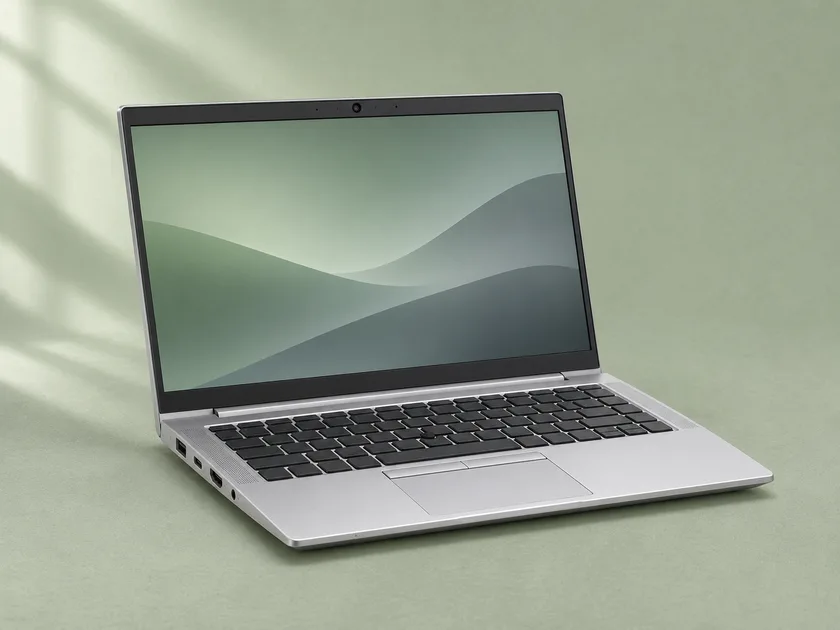
This business laptop can suit office or remote learning tasks. If you work in a bright room or use a headset, confirm the screen option and check your audio setup.
Before accepting a device
- Ask for the screen type and check brightness, hinges and keyboard response.
- Confirm the memory and storage capacity, webcam quality, and whether a compatible charger is included.
- Ask whether the provider offers a return window or help if a component fails after delivery.
Use the laptop plan comparison to ask about the total cost, whether the device is yours to keep, and who can help after delivery.
Check the EliteBook display and current configuration
Ask for the HP product number, installed RAM and storage, and the exact screen. Display attributes, wireless features and camera options can differ between units. Ask about the operating system, activation, security updates and the apps you need.
If you work in a bright room, check the display in comparable light. If you rely on video meetings, test the camera and microphone before committing.
Review the battery, ports and replacement policy
Ask the supplier how it tested the battery and power adapter, and try the keyboard, hinges, USB ports and external display. Confirm whether the unit is free of former school or organization controls. Check how long you can return it and who covers hardware faults or a missing charger.
Compare the EliteBook with similar business models
Compare the Latitude 5430 or ThinkPad T14 Gen 2 by screen, update compatibility, accessory needs, actual condition and available provider support.
Model FAQs
Do all units include mobile broadband?
Cellular options are configuration-dependent. Ask the provider whether a unit has the equipment and whether service is separate.
Could it work for online exams?
Ask your school about its operating system, webcam and exam software requirements and match those to the unit.
Does it ship with a warranty?
A warranty depends on the program supplying the unit. Request its written terms.